
2048 en Unity Tutorial - 2
Programa las reglas del juego 2048.
El juego guarda sus números en una matriz de 4 × 4. En cada movimiento calcula primero un tablero nuevo y, solo si algo cambió, genera una ficha aleatoria.
1. Separa los datos de la pantalla
Un número y su casilla visual son cosas distintas. values[x, y] almacena el valor de la celda; tileViews[x, y] apunta al objeto que lo dibuja. Las coordenadas usan x para la columna y y para la fila.
2. Entiende el movimiento y las fusiones
Para cada fila o columna, el controlador lee los valores en orden desde el borde hacia el que se mueve. Descarta los huecos, combina cada pareja igual y deja un cero al final. Por ejemplo:
[ 2, 0, 2, 2 ]  →  [ 4, 2, 0, 0 ]
[ 2, 2, 2, 2 ]  →  [ 4, 4, 0, 0 ]
El segundo ejemplo es importante: una ficha recién combinada no se puede volver a combinar en el mismo movimiento. La lista compacta garantiza esa regla sin animaciones ni objetos intermedios.
3. Añade el controlador
Crea Assets/Scripts/Game2048.cs y pega el script completo. Incluye la lógica, entrada de teclado, puntuación, récord local, una oportunidad para deshacer y la detección del final de partida. No requiere ninguna biblioteca externa.
using System.Collections.Generic;
using TMPro;
using UnityEngine;
using UnityEngine.UI;

public sealed class Game2048 : MonoBehaviour
{
    private const int Size = 4;
    private const string BestScoreKey = "2048_BestScore";

    [Header("Referencias de la escena")]
    [SerializeField] private TileView tilePrefab;
    [SerializeField] private Transform gridRoot;
    [SerializeField] private TMP_Text scoreLabel;
    [SerializeField] private TMP_Text bestLabel;
    [SerializeField] private TMP_Text messageLabel;
    [SerializeField] private Button undoButton;
    [SerializeField] private Button restartButton;

    private readonly int[,] values = new int[Size, Size];
    private readonly TileView[,] tileViews = new TileView[Size, Size];
    private int[,] previousValues;
    private int score;
    private int bestScore;
    private int previousScore;
    private bool previousHasWon;
    private bool hasWon;
    private bool gameOver;
    private bool canUndo;

    private void Awake()
    {
        if (tilePrefab == null || gridRoot == null ||
            scoreLabel == null || bestLabel == null || messageLabel == null)
        {
            Debug.LogError("Asigna prefab, cuadrícula y tres textos en Game2048.", this);
            enabled = false;
            return;
        }

        for (int y = 0; y < Size; y++)
        {
            for (int x = 0; x < Size; x++)
            {
                tileViews[x, y] = Instantiate(tilePrefab, gridRoot);
            }
        }

        bestScore = PlayerPrefs.GetInt(BestScoreKey, 0);

        if (undoButton != null)
            undoButton.onClick.AddListener(UndoMove);
        if (restartButton != null)
            restartButton.onClick.AddListener(StartNewGame);

        StartNewGame();
    }

    private void OnDestroy()
    {
        if (undoButton != null)
            undoButton.onClick.RemoveListener(UndoMove);
        if (restartButton != null)
            restartButton.onClick.RemoveListener(StartNewGame);
    }

    private void Update()
    {
        if (Input.GetKeyDown(KeyCode.LeftArrow) || Input.GetKeyDown(KeyCode.A))
            MoveLeft();
        else if (Input.GetKeyDown(KeyCode.RightArrow) || Input.GetKeyDown(KeyCode.D))
            MoveRight();
        else if (Input.GetKeyDown(KeyCode.UpArrow) || Input.GetKeyDown(KeyCode.W))
            MoveUp();
        else if (Input.GetKeyDown(KeyCode.DownArrow) || Input.GetKeyDown(KeyCode.S))
            MoveDown();
    }

    public void StartNewGame()
    {
        for (int y = 0; y < Size; y++)
            for (int x = 0; x < Size; x++)
                values[x, y] = 0;

        score = 0;
        hasWon = false;
        gameOver = false;
        canUndo = false;
        previousValues = null;
        AddRandomTile();
        AddRandomTile();
        RefreshUI();
    }

    public void MoveLeft()  { Move(new Vector2Int(-1, 0)); }
    public void MoveRight() { Move(new Vector2Int(1, 0)); }
    public void MoveUp()    { Move(new Vector2Int(0, -1)); }
    public void MoveDown()  { Move(new Vector2Int(0, 1)); }

    private void Move(Vector2Int direction)
    {
        if (gameOver)
            return;

        int[,] nextValues = new int[Size, Size];
        int gainedScore = 0;

        for (int lane = 0; lane < Size; lane++)
        {
            List<int> line = new List<int>(Size);
            for (int step = 0; step < Size; step++)
                line.Add(values[GetX(direction, lane, step), GetY(direction, lane, step)]);

            List<int> movedLine = ProcessLine(line, out int lineScore);
            gainedScore += lineScore;

            for (int step = 0; step < Size; step++)
                nextValues[GetX(direction, lane, step), GetY(direction, lane, step)] = movedLine[step];
        }

        if (!HasChanged(nextValues))
            return;

        previousValues = (int[,])values.Clone();
        previousScore = score;
        previousHasWon = hasWon;
        canUndo = true;

        CopyBoard(nextValues, values);
        score += gainedScore;
        AddRandomTile();

        if (!hasWon && Contains2048())
            hasWon = true;

        gameOver = IsGameOver();
        SaveBestScore();
        RefreshUI();
    }

    private static List<int> ProcessLine(List<int> line, out int gainedScore)
    {
        List<int> compact = new List<int>(Size);
        for (int i = 0; i < line.Count; i++)
            if (line[i] != 0)
                compact.Add(line[i]);

        List<int> result = new List<int>(Size);
        gainedScore = 0;

        for (int i = 0; i < compact.Count; i++)
        {
            if (i + 1 < compact.Count && compact[i] == compact[i + 1])
            {
                int mergedValue = compact[i] * 2;
                result.Add(mergedValue);
                gainedScore += mergedValue;
                i++;
            }
            else
            {
                result.Add(compact[i]);
            }
        }

        while (result.Count < Size)
            result.Add(0);

        return result;
    }

    private static int GetX(Vector2Int direction, int lane, int step)
    {
        if (direction.x == 0)
            return lane;
        return direction.x < 0 ? step : Size - 1 - step;
    }

    private static int GetY(Vector2Int direction, int lane, int step)
    {
        if (direction.y == 0)
            return lane;
        return direction.y < 0 ? step : Size - 1 - step;
    }

    private bool HasChanged(int[,] nextValues)
    {
        for (int y = 0; y < Size; y++)
            for (int x = 0; x < Size; x++)
                if (values[x, y] != nextValues[x, y])
                    return true;
        return false;
    }

    private static void CopyBoard(int[,] source, int[,] destination)
    {
        for (int y = 0; y < Size; y++)
            for (int x = 0; x < Size; x++)
                destination[x, y] = source[x, y];
    }

    private void AddRandomTile()
    {
        List<Vector2Int> emptyCells = new List<Vector2Int>();
        for (int y = 0; y < Size; y++)
            for (int x = 0; x < Size; x++)
                if (values[x, y] == 0)
                    emptyCells.Add(new Vector2Int(x, y));

        if (emptyCells.Count == 0)
            return;

        Vector2Int cell = emptyCells[Random.Range(0, emptyCells.Count)];
        values[cell.x, cell.y] = Random.Range(0, 10) == 0 ? 4 : 2;
    }

    private bool Contains2048()
    {
        for (int y = 0; y < Size; y++)
            for (int x = 0; x < Size; x++)
                if (values[x, y] >= 2048)
                    return true;
        return false;
    }

    private bool IsGameOver()
    {
        for (int y = 0; y < Size; y++)
        {
            for (int x = 0; x < Size; x++)
            {
                if (values[x, y] == 0)
                    return false;
                if (x + 1 < Size && values[x, y] == values[x + 1, y])
                    return false;
                if (y + 1 < Size && values[x, y] == values[x, y + 1])
                    return false;
            }
        }

        return true;
    }

    public void UndoMove()
    {
        if (!canUndo || previousValues == null)
            return;

        CopyBoard(previousValues, values);
        score = previousScore;
        hasWon = previousHasWon;
        gameOver = false;
        canUndo = false;
        previousValues = null;
        RefreshUI();
    }

    private void SaveBestScore()
    {
        if (score <= bestScore)
            return;

        bestScore = score;
        PlayerPrefs.SetInt(BestScoreKey, bestScore);
        PlayerPrefs.Save();
    }

    private void RefreshUI()
    {
        for (int y = 0; y < Size; y++)
            for (int x = 0; x < Size; x++)
                tileViews[x, y].SetValue(values[x, y]);

        scoreLabel.text = "Puntuación: " + score;
        bestLabel.text = "Récord: " + bestScore;
        messageLabel.text = gameOver
            ? "No quedan movimientos. ¡Prueba otra vez!"
            : hasWon ? "¡Has llegado a 2048! Puedes seguir jugando." : string.Empty;

        if (undoButton != null)
            undoButton.interactable = canUndo;
    }
}4. Conecta el controlador en Unity
- Crea un objeto vacío llamado
GameControllery añade el componenteGame2048. - Asigna el prefab
Tiledel proyecto al campo Tile Prefab y arrastraBoardRootal campo Grid Root. - Arrastra los textos de puntuación, récord y mensaje a sus campos correspondientes. Asigna los botones de deshacer y reiniciar si los has creado; el controlador conecta sus acciones automáticamente.
- Para los botones de dirección en pantalla, usa su evento On Click y elige
Game2048 → MoveUp,MoveDown,MoveLeftoMoveRight. El teclado funciona además de estos botones.
5. Prueba las reglas
Pulsa Play. Verás dos fichas iniciales. Prueba las flechas o WASD. Un movimiento que no cambia ninguna casilla no debe crear una ficha; dos pares alineados deben formar dos fichas, no una. Cada fusión suma su valor a la puntuación.
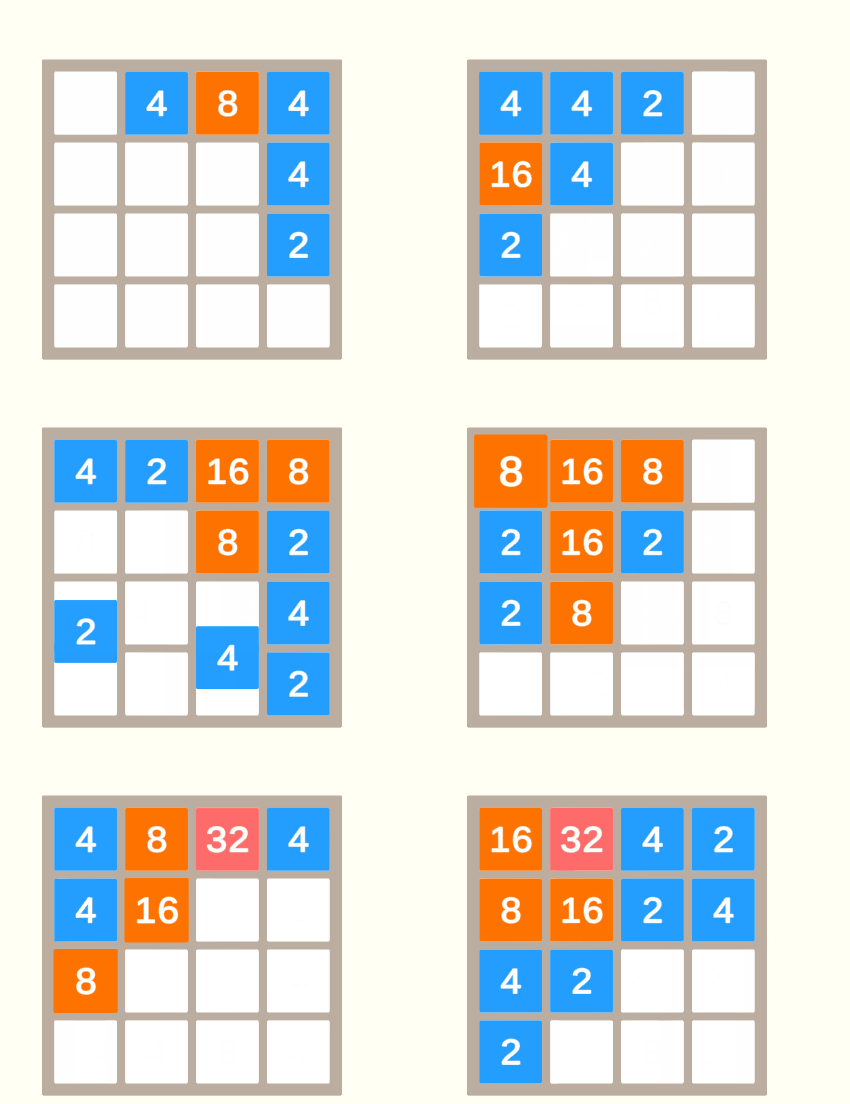
El juego ya se puede jugar. La siguiente lección explica las mejoras añadidas y cómo probar el comportamiento completo.


 Entradas


Deja un comentario